




Say hello to Drooms Intelligence your whole data room answerable, extractable, reportable. More information


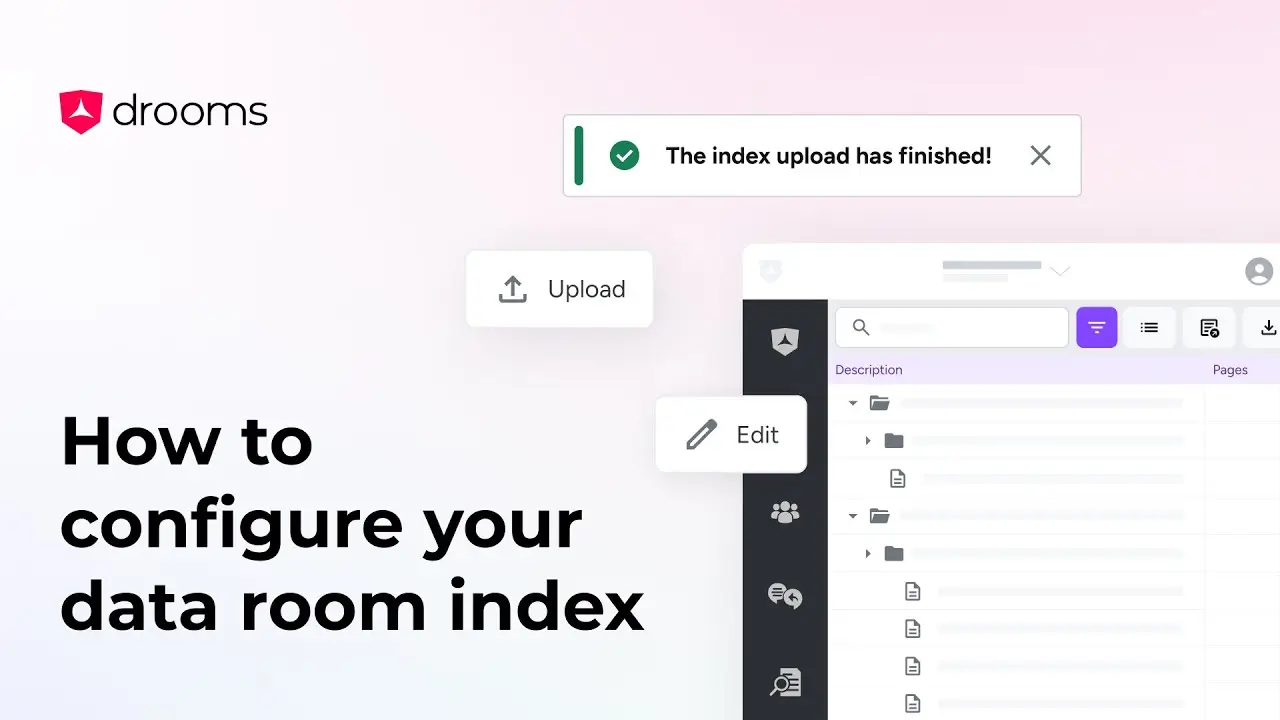
This tutorial will guide you through two of Drooms AI tools, Auto Allocation, which organises files into relevant folders, and Auto Naming, which suggests accurate names for your files and folders.