Helpcentre / Video Tutorials / Using Drooms / How to upload files and folders
How to upload files and folders
In this tutorial we’ll explore three simple and efficient methods to upload files and folders to your data room.
Recommended video tutorials
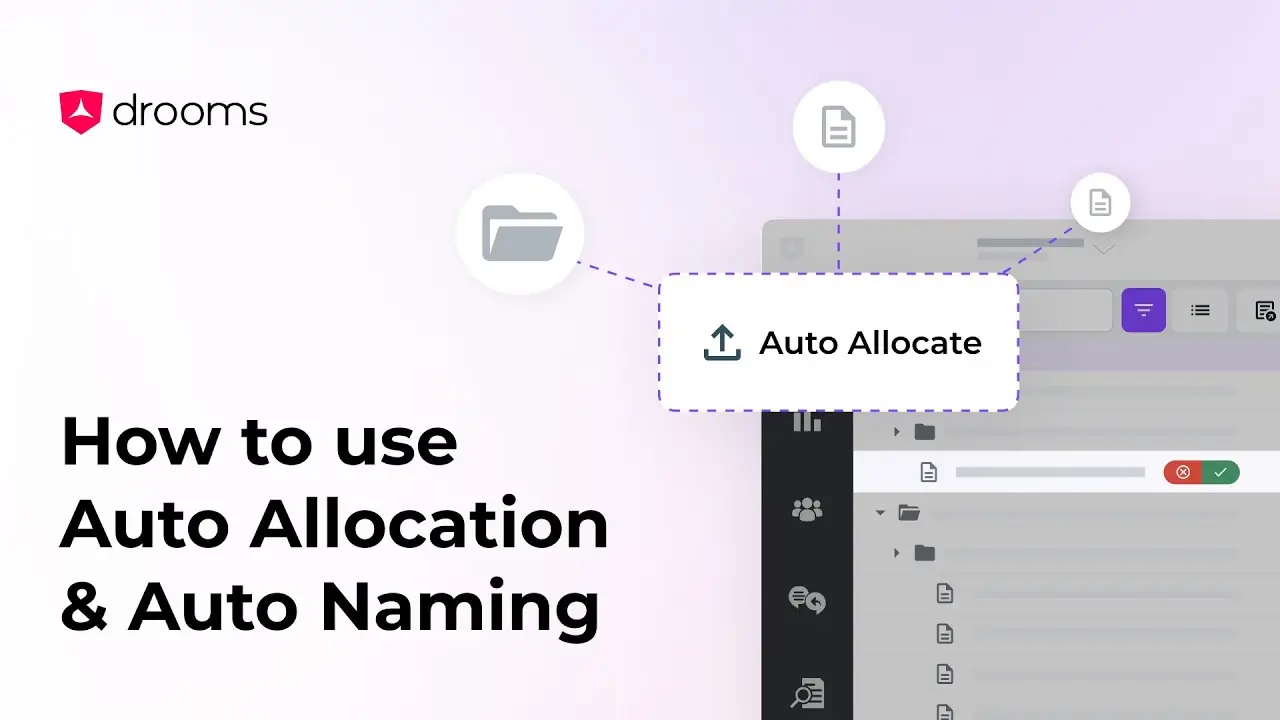
How to use Auto Naming & Auto Allocation
This tutorial will guide you through two of Drooms AI tools, Auto Allocation, which organises files into relevant folders, and Auto Naming, which suggests accurate names for your files and folders.
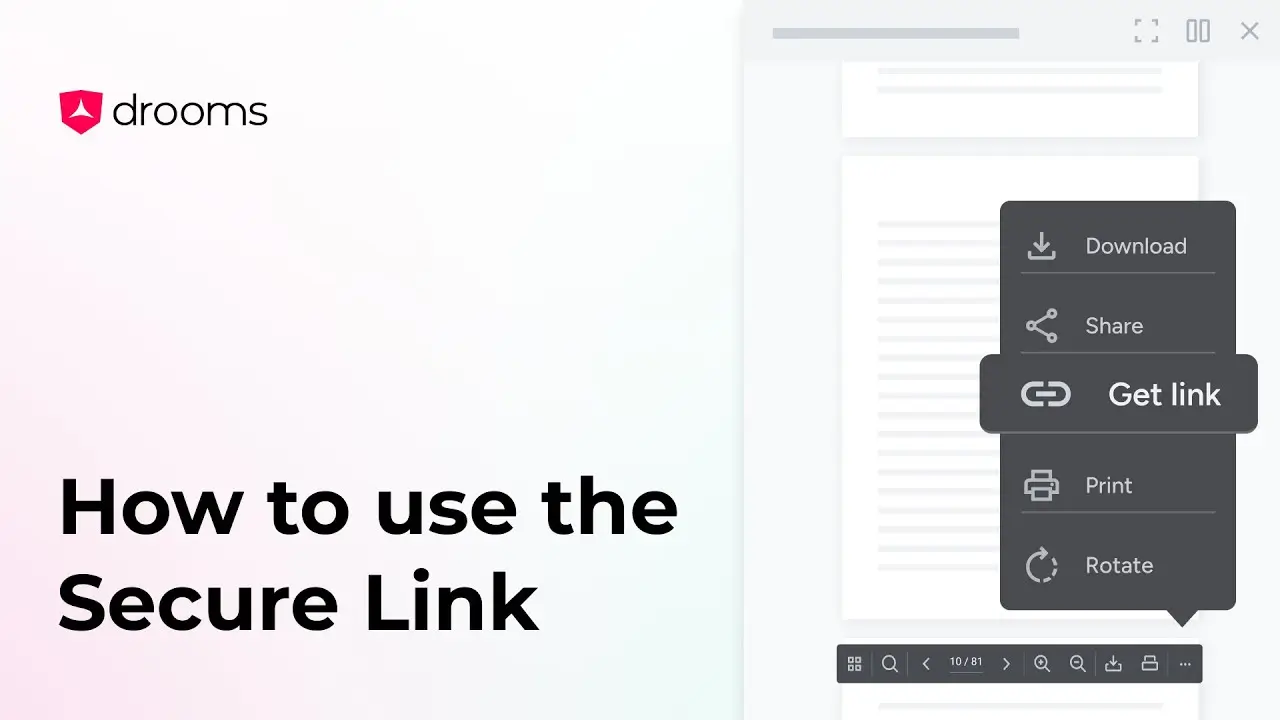
How to use the Secure Link
Need to guide someone to a specific document, folder, or even a single page? With Secure Link, you can copy a direct link and share it instantly.
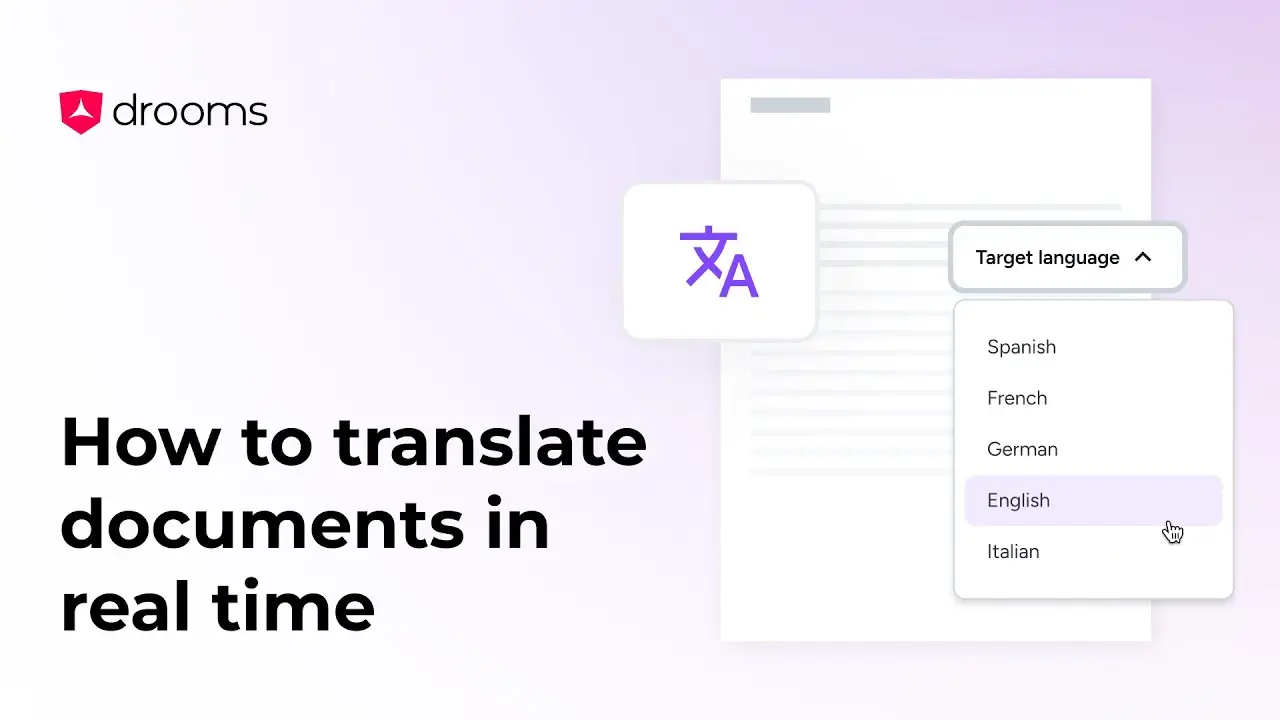
How to translate documents in real time
Our built-in translation feature enables seamless document translation in seven languages, allowing you to work effortlessly across borders, all within your data room.
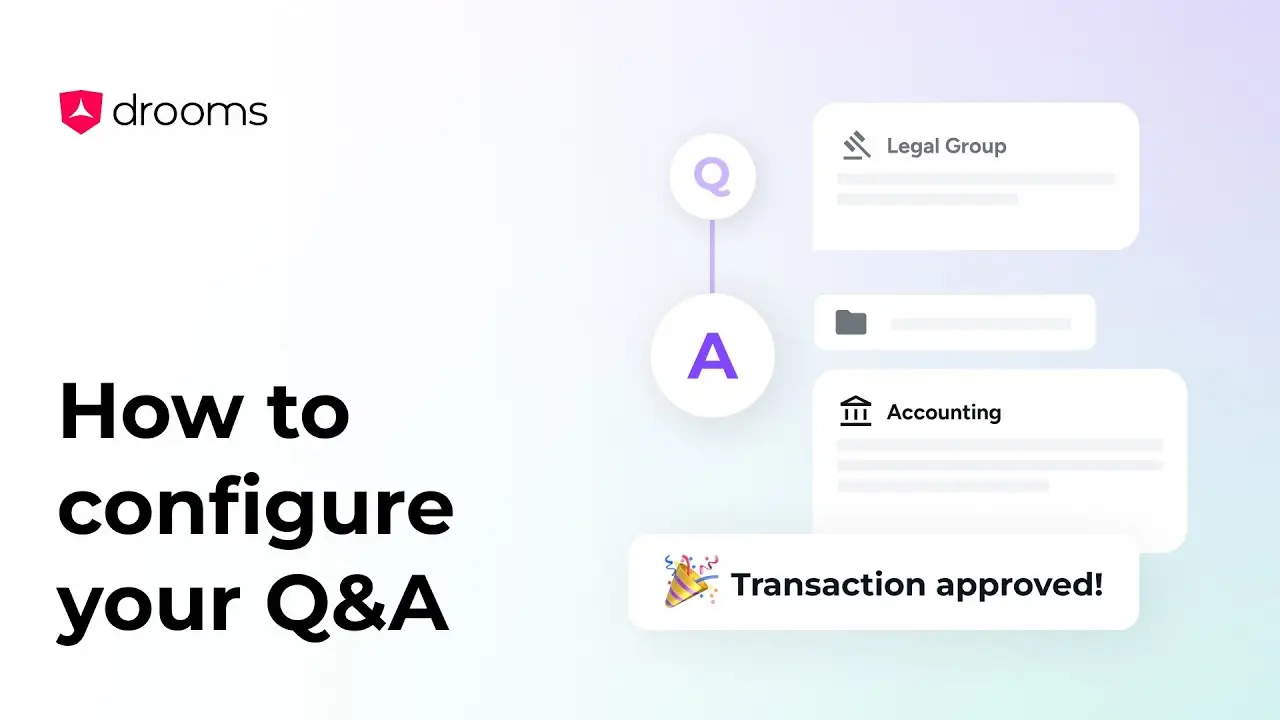
How to configure your Drooms Q&A
This video will guide you through how to set-up your Q&A easily.