


Your personal profile data and settings consist of an optional profile image, your first and last name, e-mail address, phone number, preferred UI language, and settings for the Drooms Chat and your workspace.
To edit your personal profile data and settings, proceed as follows:
- Sign in to Drooms.
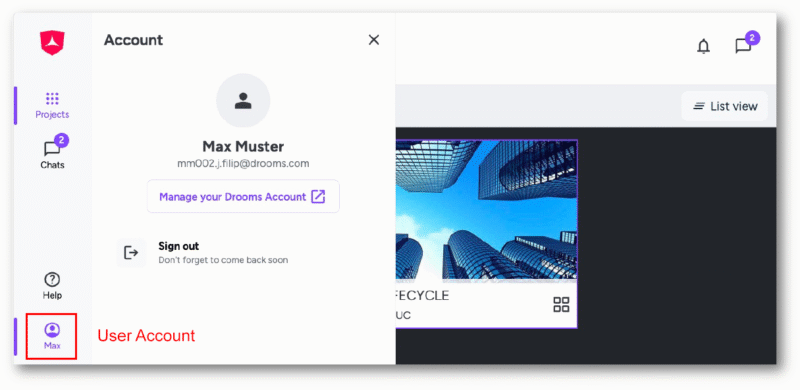
- Click on the bottom button (showing your first name) in the vertical main navigation tool bar on the left to open the Account panel.
- Click on ‘Manage your Drooms account’ to open the Account settings page in a separate browser tab, and select first option ‘Personal profile data and settings’.

On the right you can manage following personal information and preferences:
- Profile picture (optional): At the top you can upload a personal JPEG, JPG, or PNG image with max. size 6 MB
- First name (mandatory)
- Last name (mandatory)
- Email (not editable)
- Phone number (optional)
- Save my workspace (toggle on/off): Previously opened documents, active index columns, and selected questions in data rooms will be saved until your next visit
- Drooms Chat (toggle on/off): Allows you to be added as a contact by other Drooms Users, and you to send and receive messages from them
Click on ‘Save’ to save any changes, then click on ‘Sign out’ (bottom left corner) and close the browser tab, when finished.