


To edit your communication preferences, proceed as follows
- Sign in to Drooms.
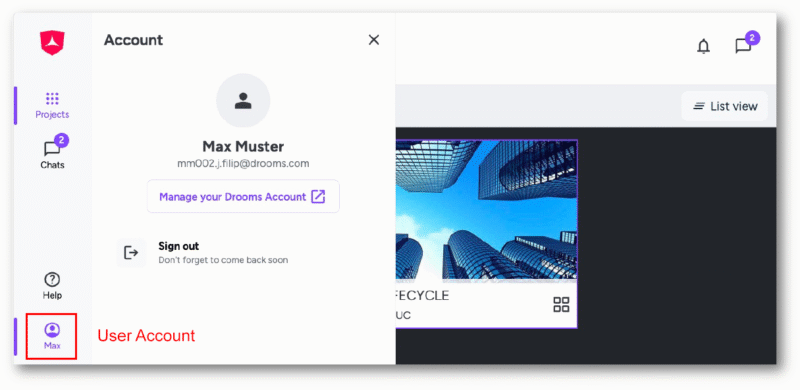
- Click on the bottom drawer (showing your first name) in the vertical main navigation tool bar on the left to open the Account panel.
- Click on ‘Manage your Drooms account’ to open the Account settings page in a separate browser tab, and select fifth option ‘Communication preferences‘.
On the right you can set following communication preferences:
- Email communication
You can choose between options:- Yes, please keep me informed via email about product updates and exclusive opportunities, including VIP events, industry insights, and special deals.
- No , I prefer not to receive updates at this time
- Feedback and Surveys
You can choose, whether you want to participate in feedback and surveys, or not.