


How to use the Drooms AI Assistant
Forget about shifting through endless pages hoping to find the information you need to complete the deal. The AI Assistant cuts though the noise, delivering instant insights, streamlining transactions, and securing your confidential data. Effortless speed, smarter results with the AI Assistant.
Recommended video tutorials
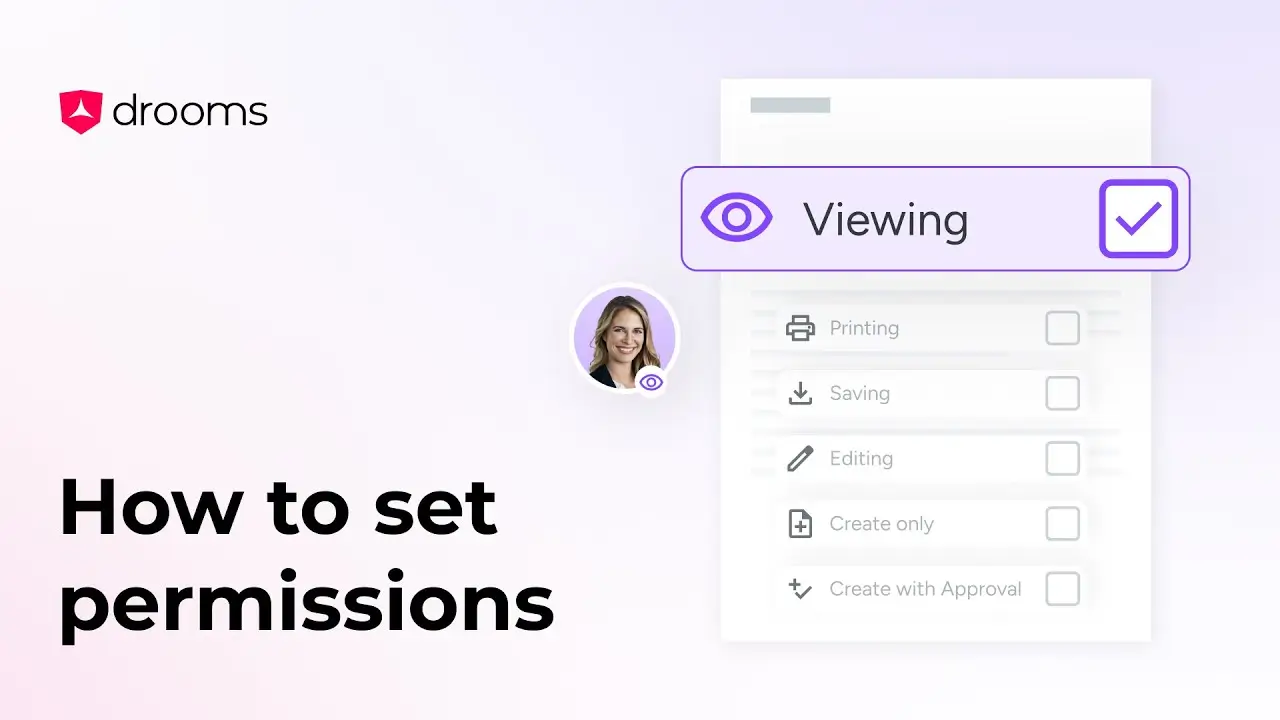
How to set permissions
The Set Permissions tool allows you to configure detailed user or group permissions in your virtual data room, ensuring information security.
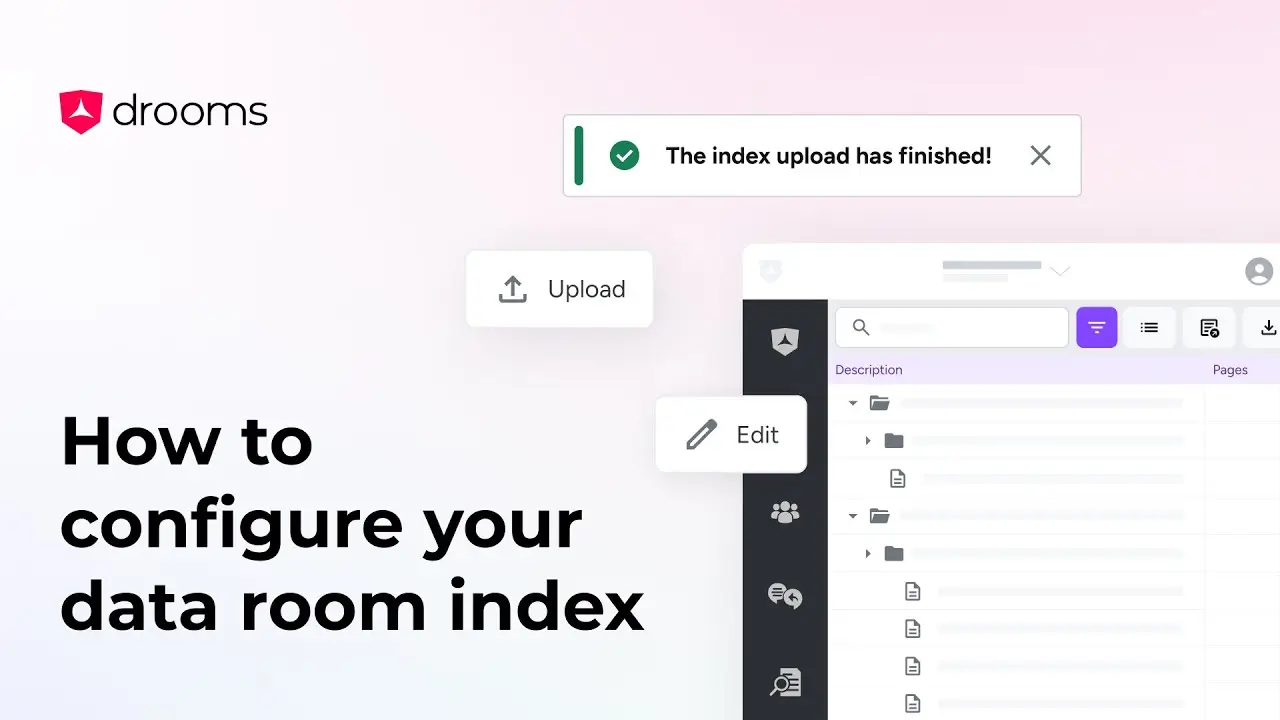
How to configure your data room index
This tutorial goes over two simple ways to structure your data room index to best fit your project needs.
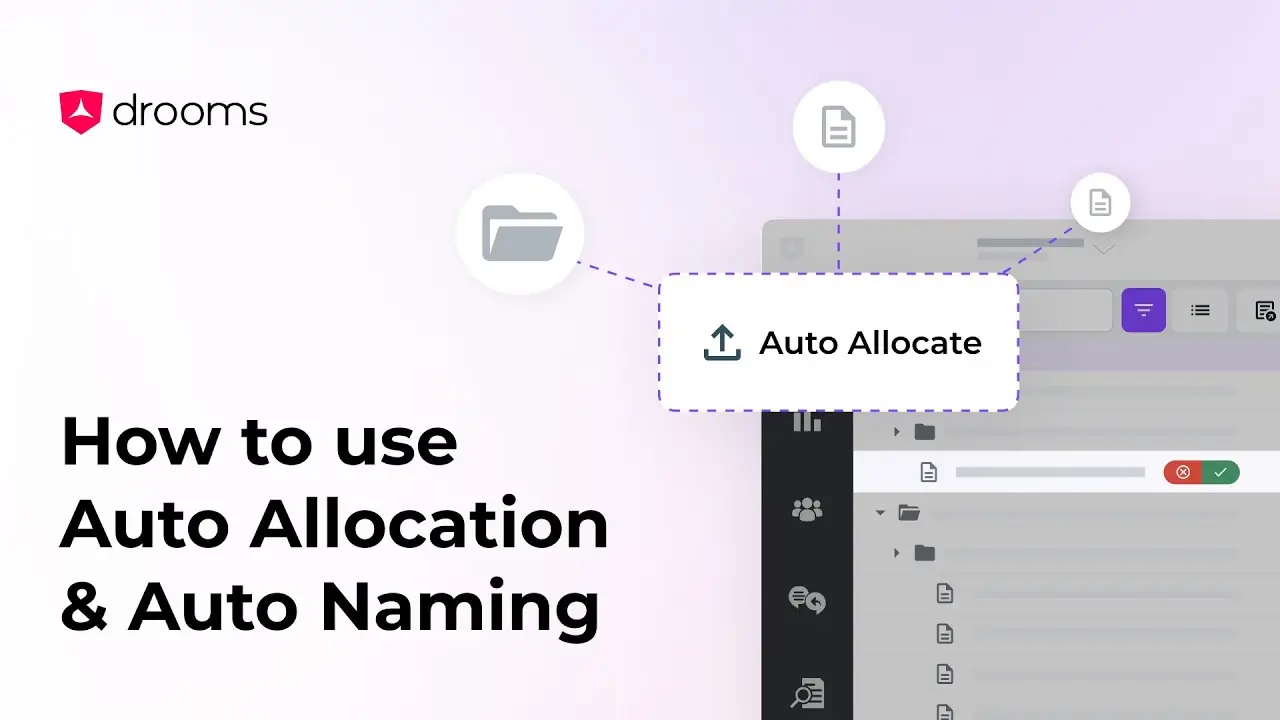
How to use Auto Naming & Auto Allocation
This tutorial will guide you through two of Drooms AI tools, Auto Allocation, which organises files into relevant folders, and Auto Naming, which suggests accurate names for your files and folders.
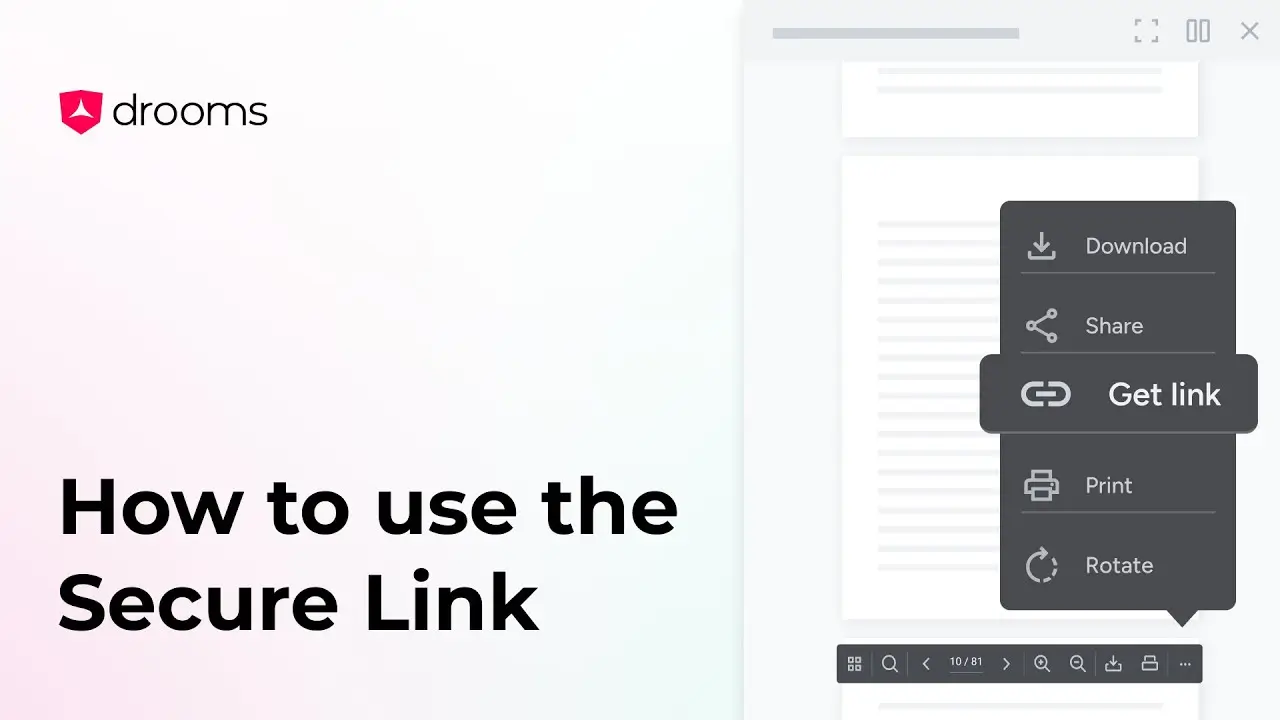
How to use the Secure Link
Need to guide someone to a specific document, folder, or even a single page? With Secure Link, you can copy a direct link and share it instantly.