Helpcentre / Video Tutorials / Using Drooms / How to translate documents in real time
How to translate documents in real time
Our built-in translation feature enables seamless document translation in seven languages, allowing you to work effortlessly across borders, all within your data room.
Recommended video tutorials
Drooms FLEX onboarding – Admins
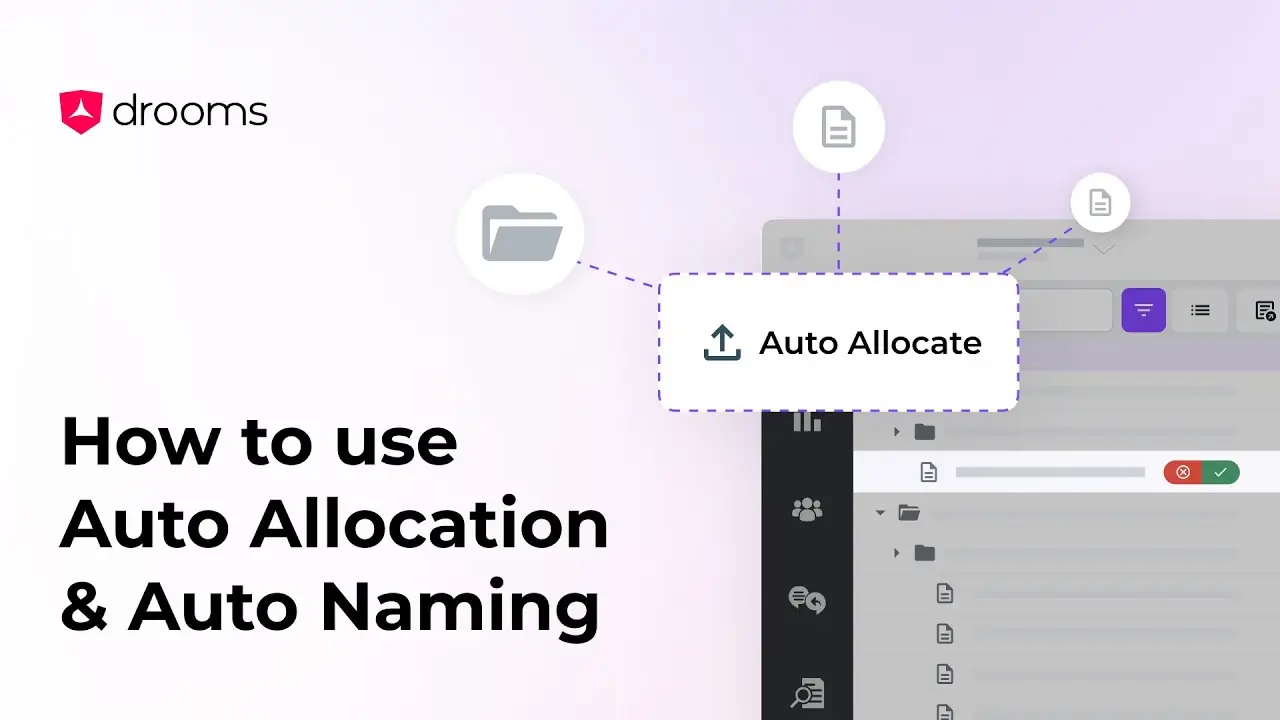
How to use Auto Naming & Auto Allocation
This tutorial will guide you through two of Drooms AI tools, Auto Allocation, which organises files into relevant folders, and Auto Naming, which suggests accurate names for your files and folders.
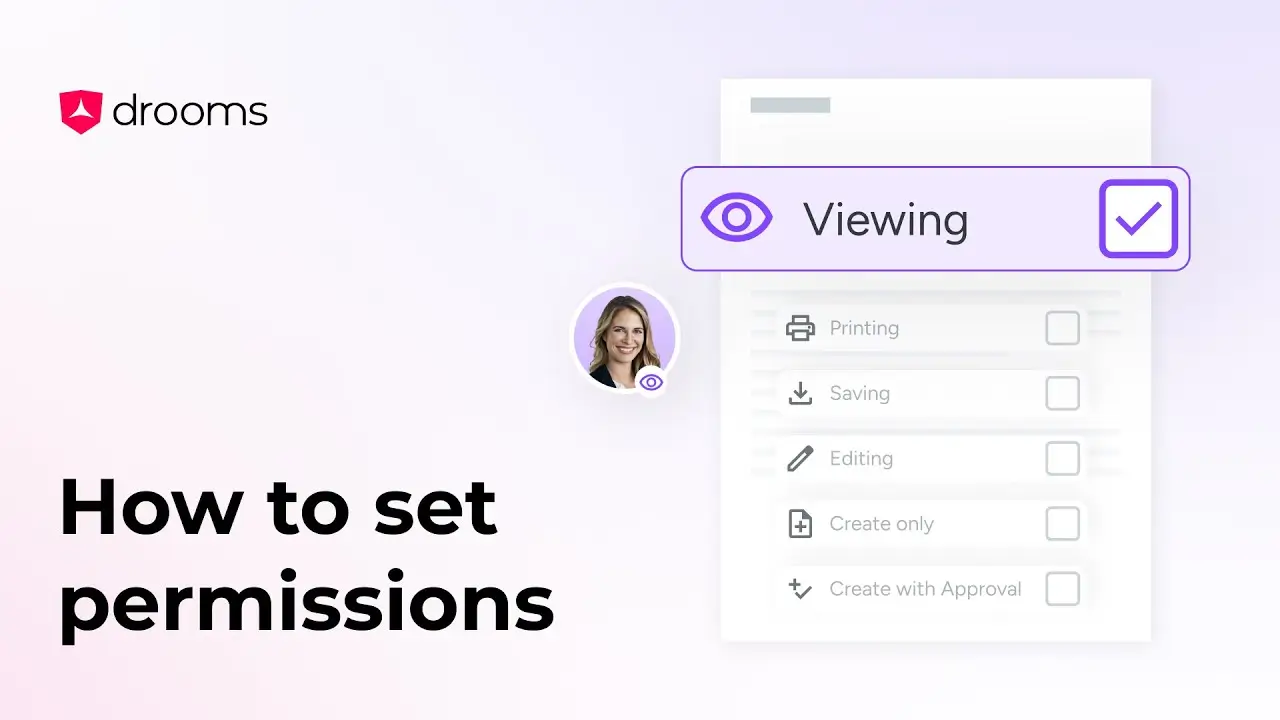
How to set permissions
The Set Permissions tool allows you to configure detailed user or group permissions in your virtual data room, ensuring information security.
How to translate documents in real time
Our built-in translation feature enables seamless document translation in seven languages, allowing you to work effortlessly across borders, all within your data room.