🎅 Follow Santa’s journey! Open our Advent Calendar to watch him go digital with Drooms. 

Say hello to the most advanced dealmaking AI on the market. Learn more.

How to use the Drooms AI Assistant

Facebook
LinkedIn
X
Email
WhatsApp

Forget about shifting through endless pages hoping to find the information you need to complete the deal. The AI Assistant cuts though the noise, delivering instant insights, streamlining transactions, and securing your confidential data. Effortless speed, smarter results with the AI Assistant.

Recommended video tutorials
How to configure your Q&A settings on Drooms tutorial
How to configure your Drooms Q&A
This video will guide you through how to set-up your Q&A easily.
How to use Drooms AI assistant tutorial
How to use the Drooms AI Assistant
The AI Assistant helps to deliver instant insights, streamline transactions, and secure your confidential data.
Auto allocation and naming tutorial
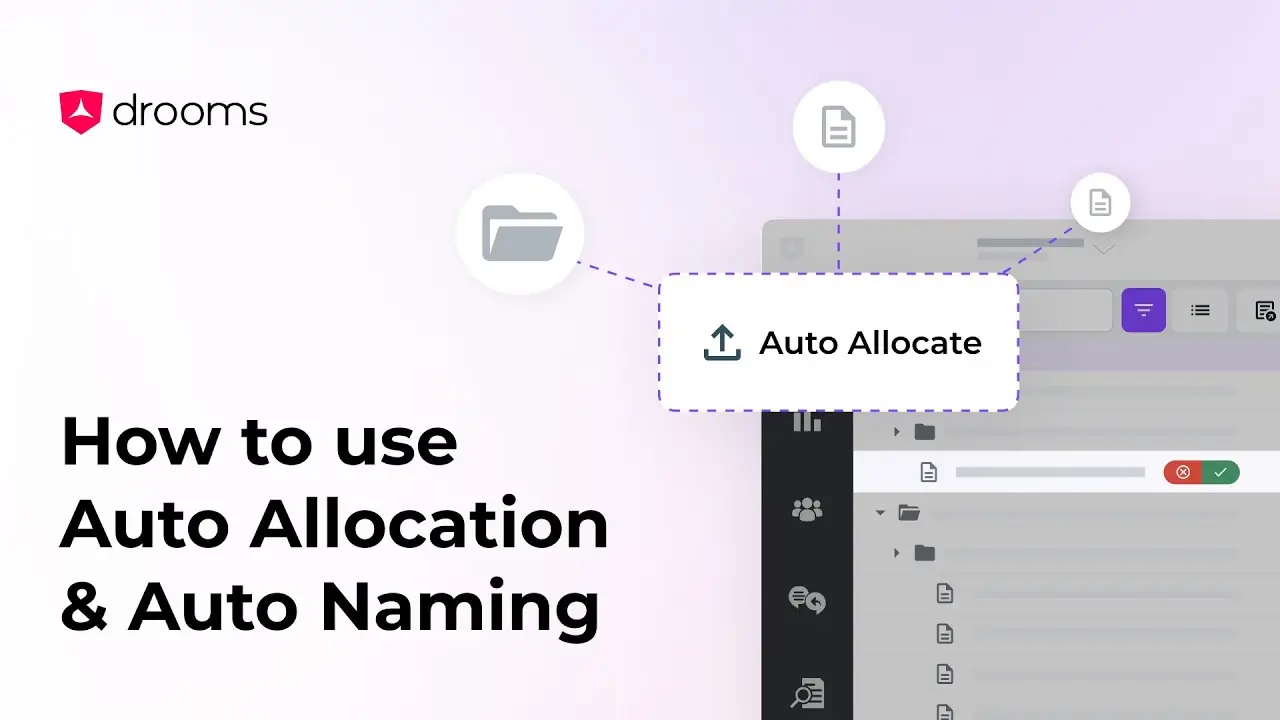
How to use Auto Naming & Auto Allocation
This tutorial will guide you through two of Drooms AI tools, Auto Allocation, which organises files into relevant folders, and Auto Naming, which suggests accurate names for your files and folders.
How to use Drooms secure link tutorial
How to use the Secure Link
Need to guide someone to a specific document, folder, or even a single page? With Secure Link, you can copy a direct link and share it instantly.
Drooms