


How to use the Secure Link
Streamline how you navigate, share, and collaborate in Drooms with Secure Link. Need to guide someone to a specific document, folder, or even a single page? With Secure Link, you can copy a direct link and share it instantly, no more digging through folders or writing lengthy instructions on where to look. Secure Link is designed to make document collaboration faster, easier, and more secure. Tailored for real estate, legal, M&A, and corporate finance professionals.
Recommended video tutorials
Drooms FLEX onboarding – Users
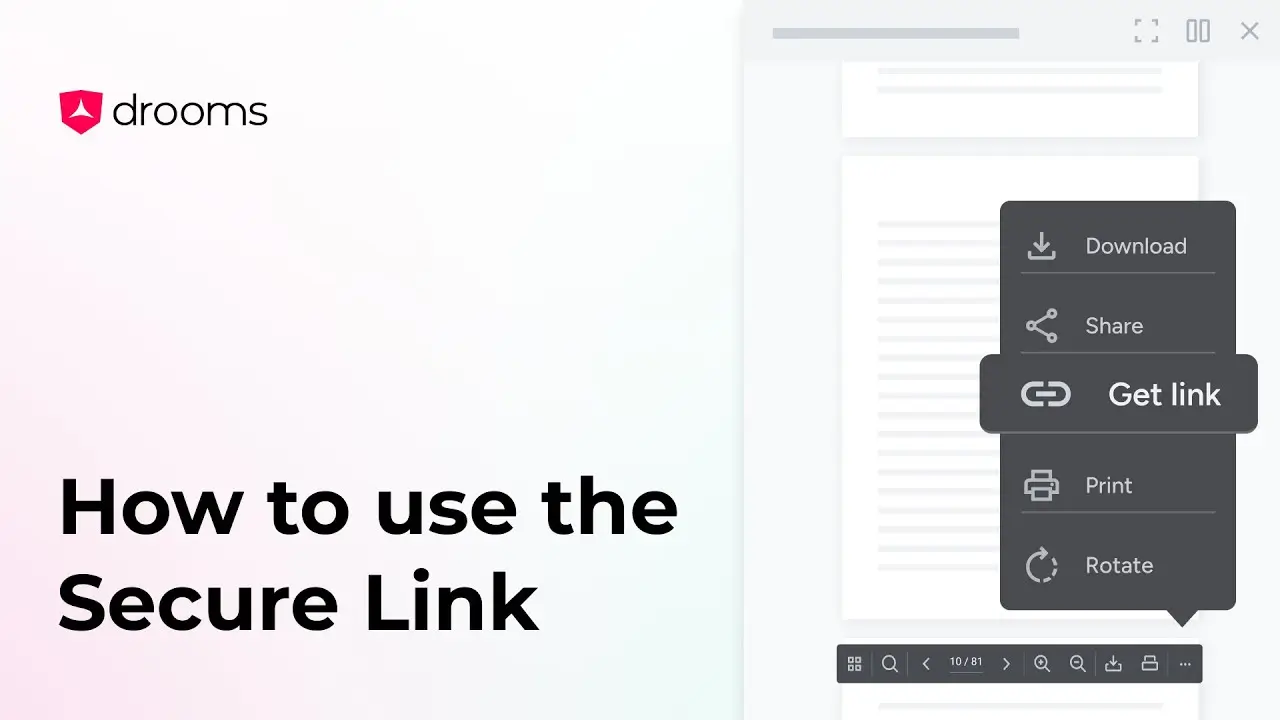
How to use the Secure Link
Need to guide someone to a specific document, folder, or even a single page? With Secure Link, you can copy a direct link and share it instantly.
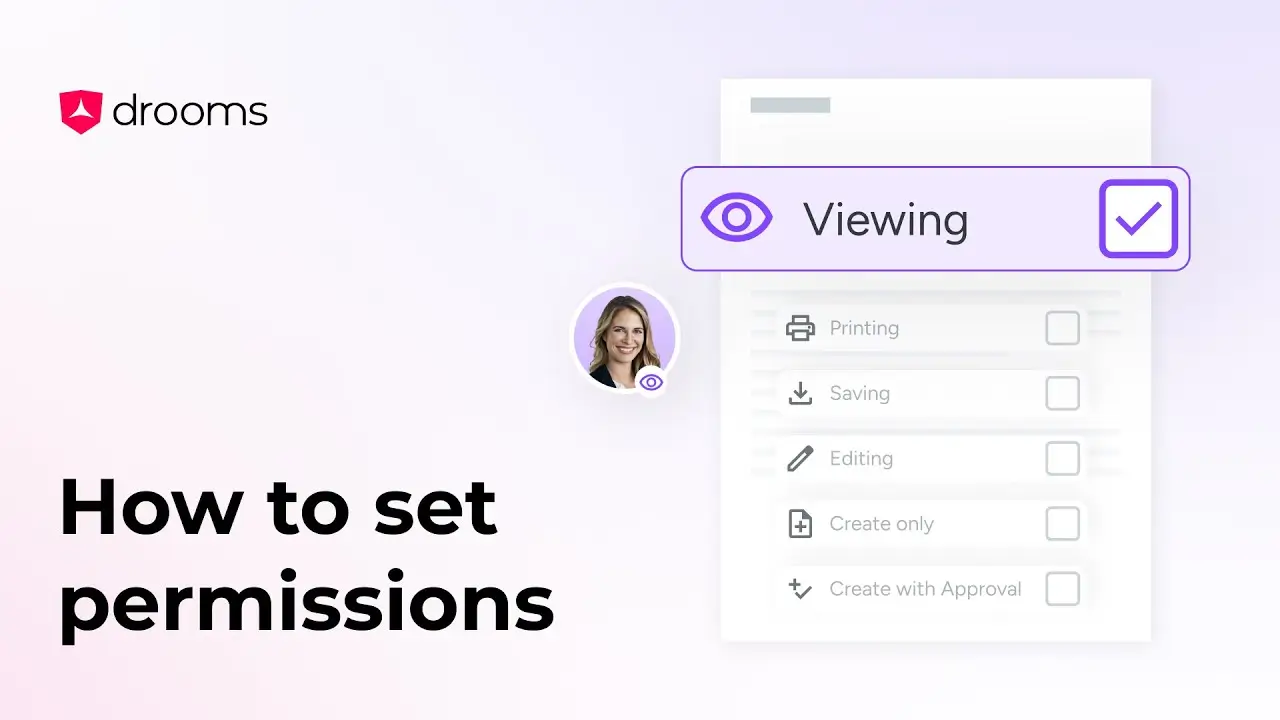
How to set permissions
The Set Permissions tool allows you to configure detailed user or group permissions in your virtual data room, ensuring information security.
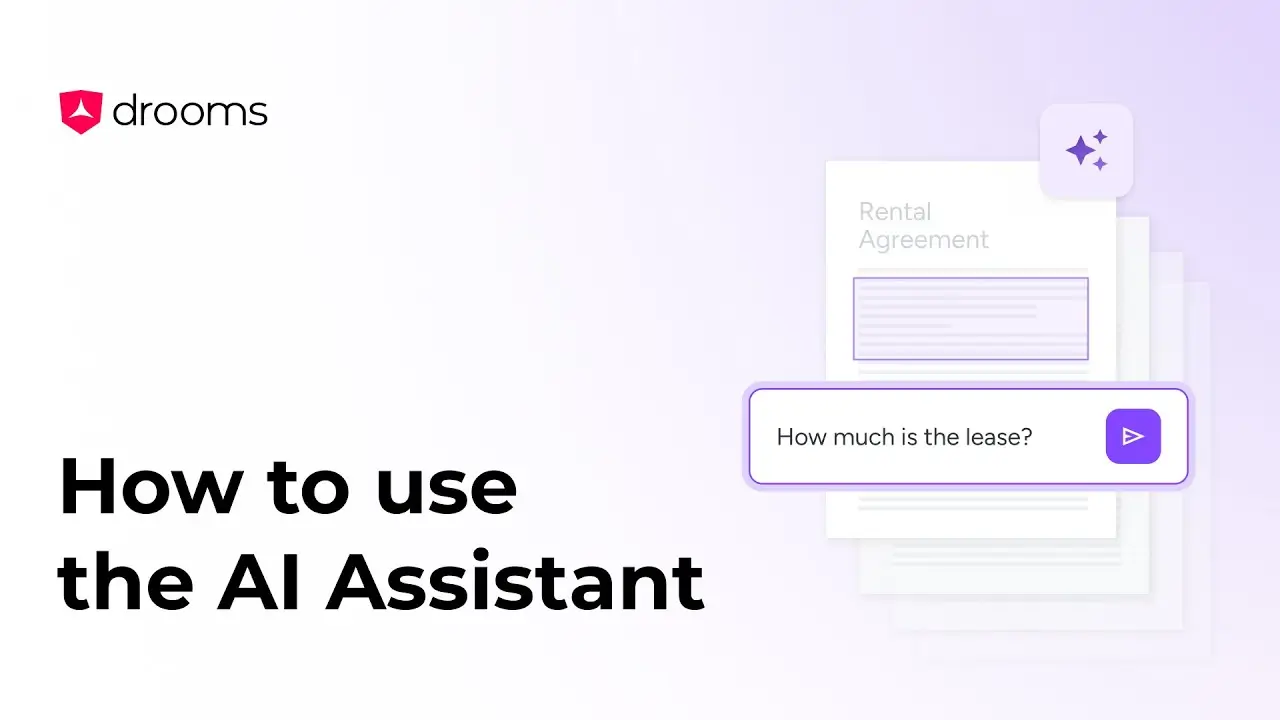
How to use the Drooms AI Assistant
The AI Assistant helps to deliver instant insights, streamline transactions, and secure your confidential data.