


How to use the Secure Link
Streamline how you navigate, share, and collaborate in Drooms with Secure Link. Need to guide someone to a specific document, folder, or even a single page? With Secure Link, you can copy a direct link and share it instantly, no more digging through folders or writing lengthy instructions on where to look. Secure Link is designed to make document collaboration faster, easier, and more secure. Tailored for real estate, legal, M&A, and corporate finance professionals.
Recommended video tutorials
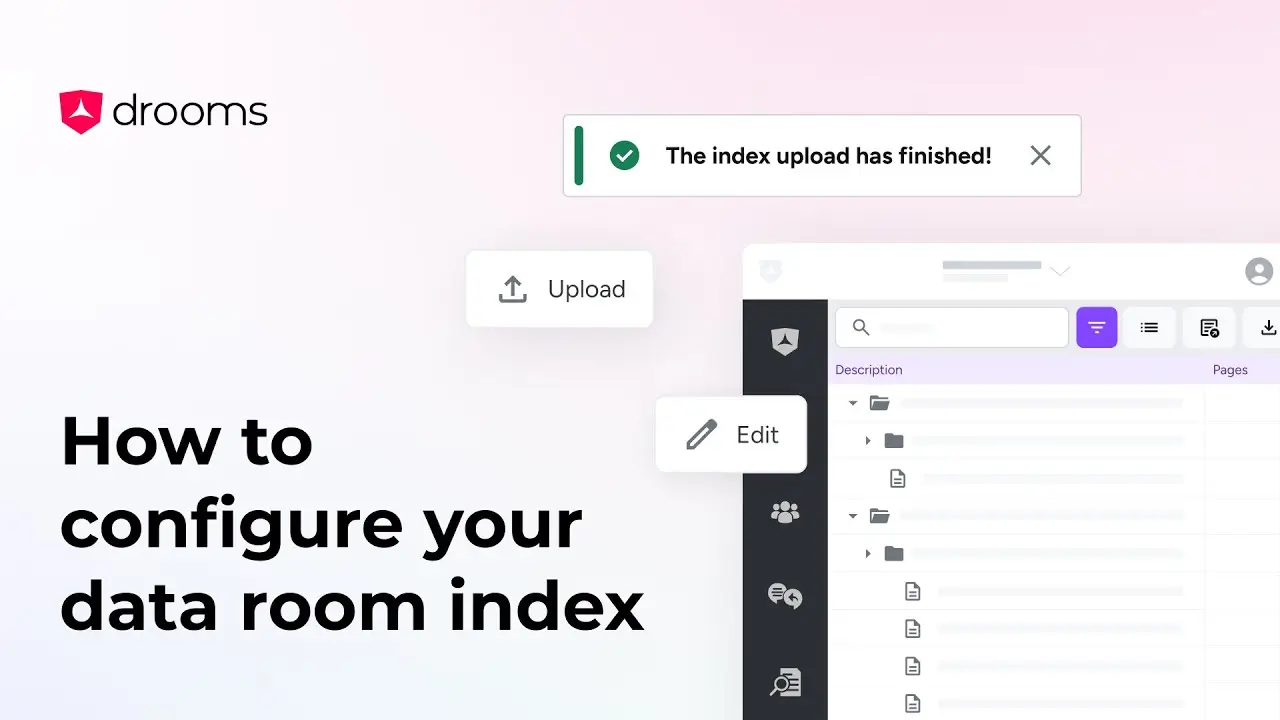
How to configure your data room index
This tutorial goes over two simple ways to structure your data room index to best fit your project needs.
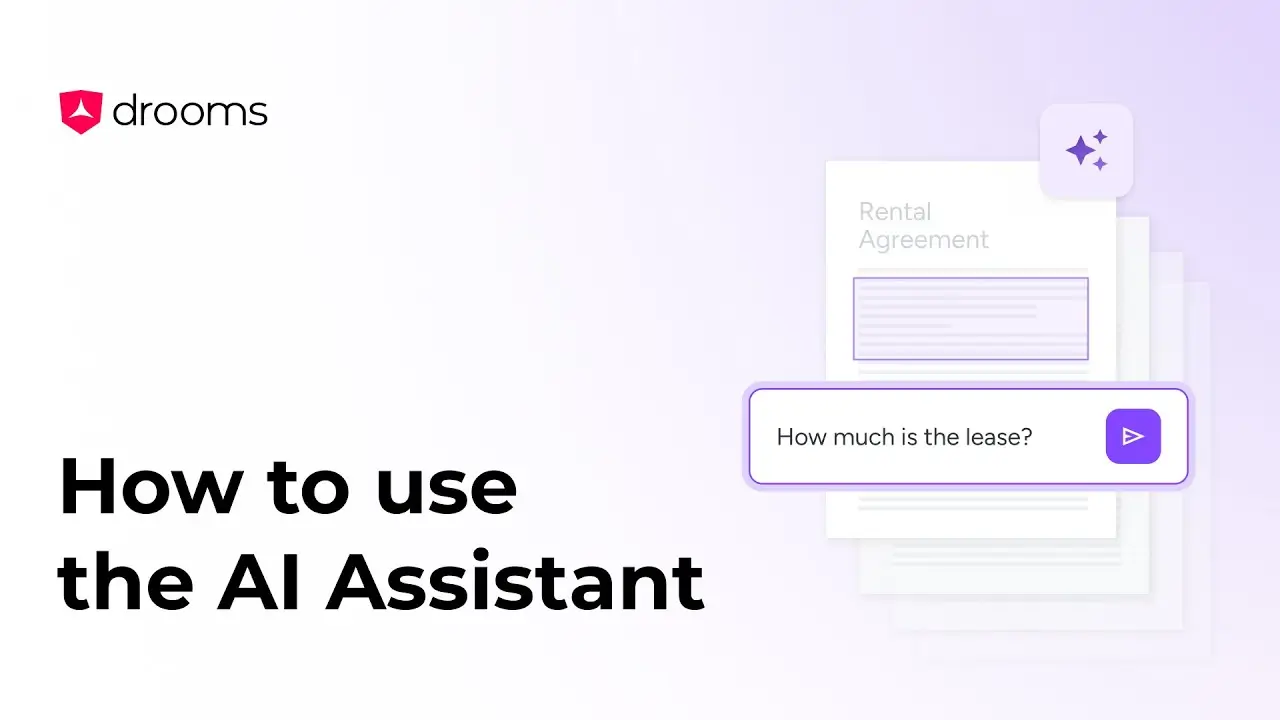
How to use the Drooms AI Assistant
The AI Assistant helps to deliver instant insights, streamline transactions, and secure your confidential data.
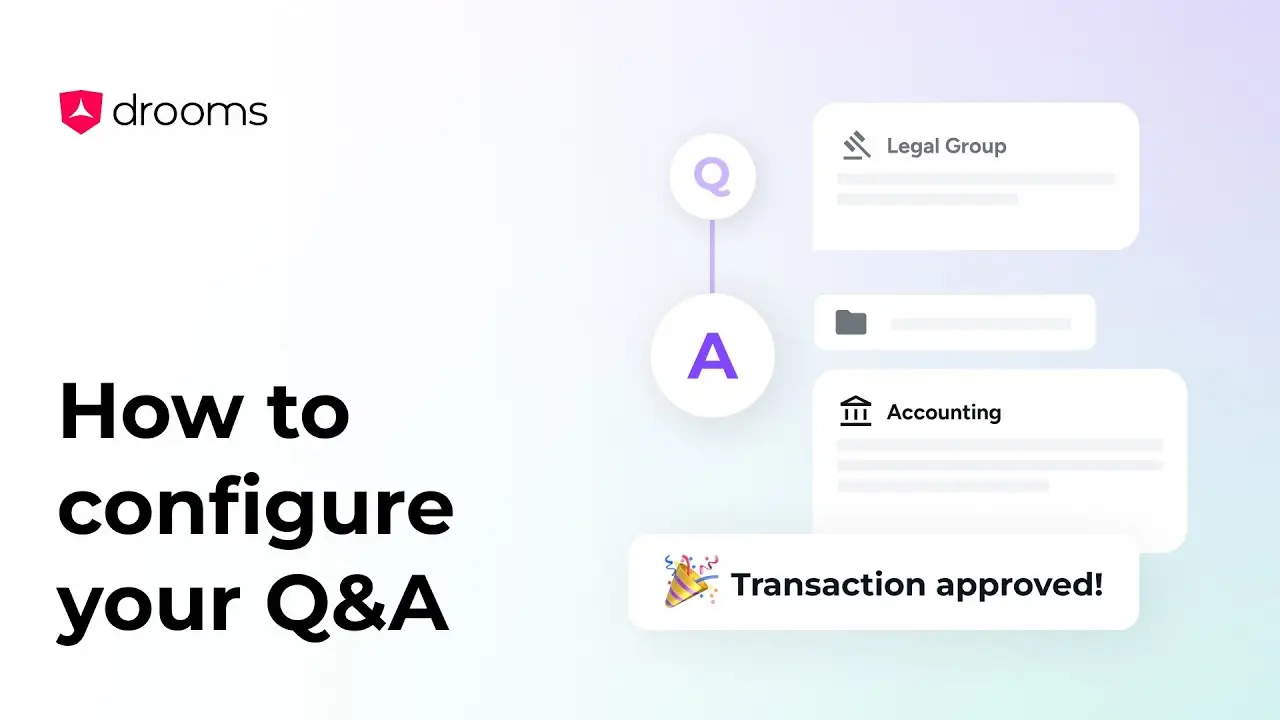
How to configure your Drooms Q&A
This video will guide you through how to set-up your Q&A easily.
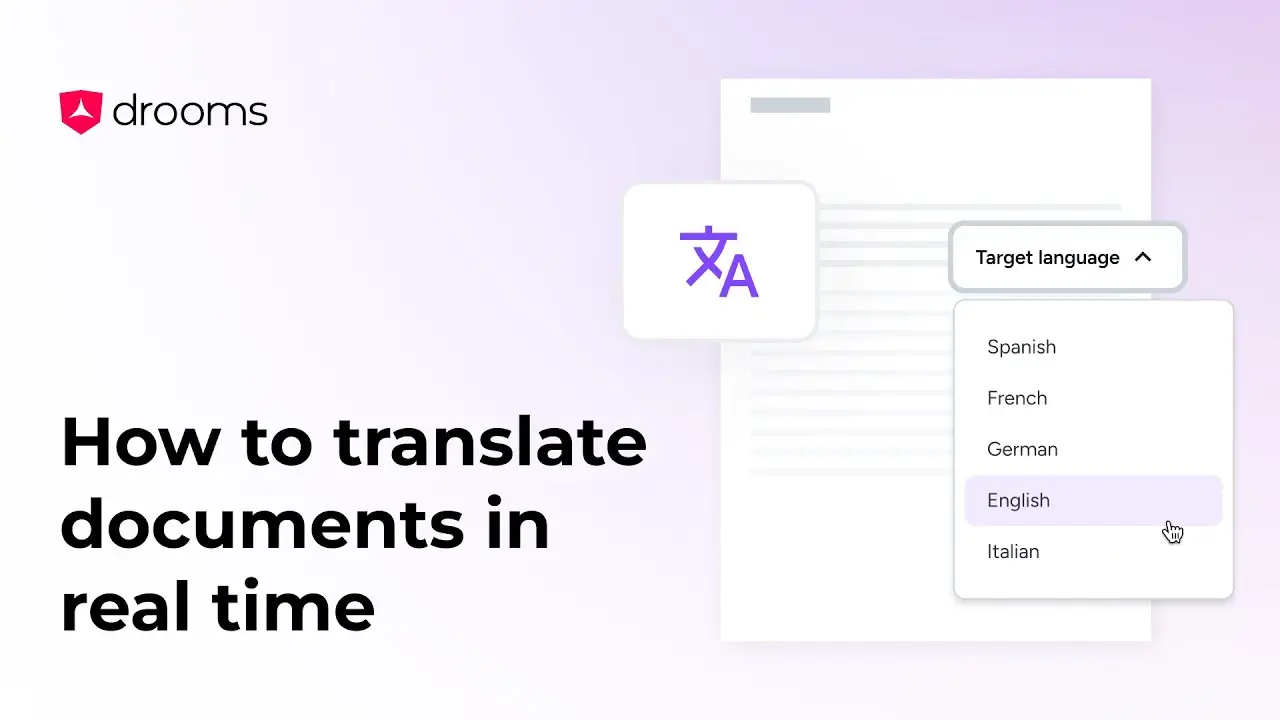
How to translate documents in real time
Our built-in translation feature enables seamless document translation in seven languages, allowing you to work effortlessly across borders, all within your data room.